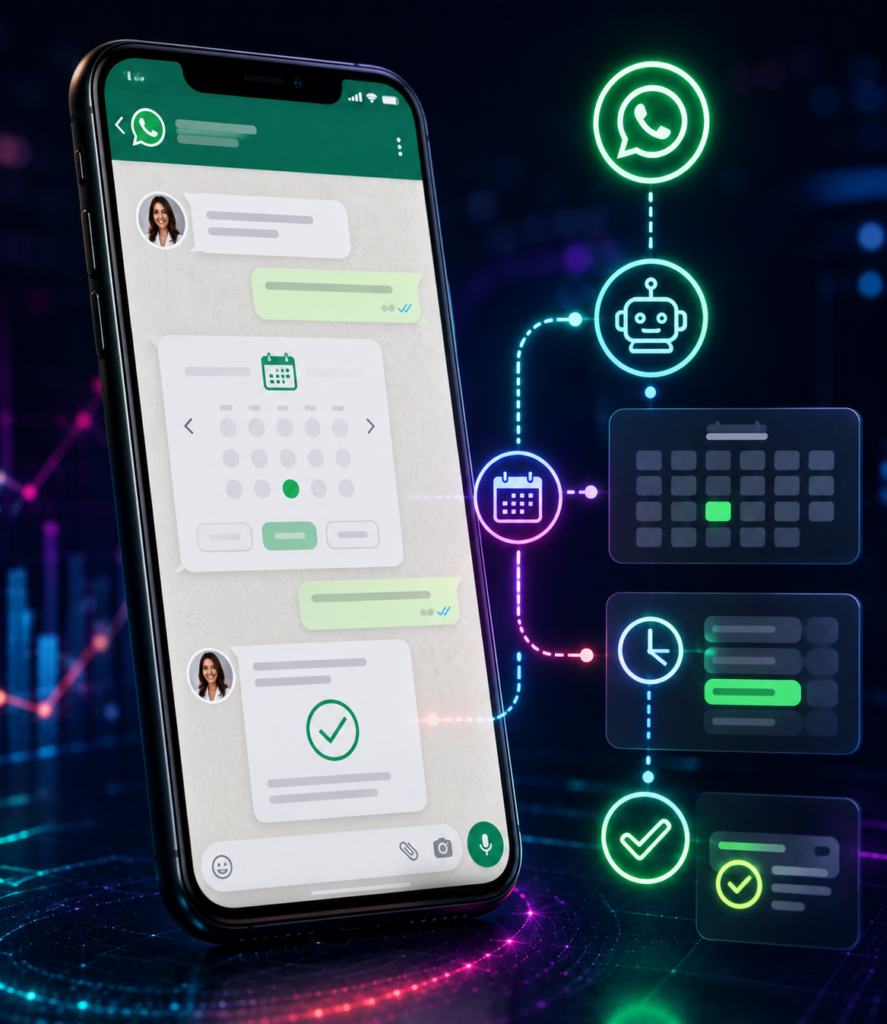
For many customers, WhatsApp is the easiest way to contact a business. It is familiar, fast and already on their phone. The challenge is that as your business grows, the same questions arrive again and again: opening hours, prices, delivery, availability. A WhatsApp chatbot can answer these instantly, day or night, while you focus on the conversations that need a real person.
But not everything should be automated. In this guide I will share what works well on a WhatsApp bot, what should stay human, and how to plan a bot your customers actually like using.
How WhatsApp chatbots work
A WhatsApp chatbot runs on the WhatsApp Business Platform (often called the WhatsApp Business API), connected to a tool such as ManyChat. When a customer sends a message, the bot can reply with text, buttons, lists, images or links, save their answers, and pass the conversation to a team member when needed.
Two rules shape everything you build:
- The 24-hour window. After a customer messages you, you can reply freely for 24 hours. Outside that window, you can only start a conversation with a pre-approved message template.
- Opt-in. You should only message people who have agreed to hear from you. This protects your number’s quality rating and your reputation.
What to automate
1. Frequently asked questions
Opening hours, location, delivery areas, prices and payment methods. Give customers a short menu of buttons so they can find answers in one or two taps.
2. Lead qualification
Ask a few simple questions: what service they need, their budget range and when they want to start. Save the answers so your team knows who to call first.
3. Appointment and booking requests
Share available times or a booking link, then send a confirmation. Reminders sent with approved templates help reduce no-shows.
4. Order and delivery updates
For shops, automated updates such as “your order has been dispatched” save a lot of “where is my order?” messages.
5. Out-of-hours replies
Let customers know when you will be back, and collect their question so your team can answer first thing in the morning.
What to keep human
- Complaints and refunds. An upset customer wants to feel heard by a person, not routed through menus.
- Complex quotes. Custom projects need a real conversation. Let the bot collect the basics, then hand over.
- Sensitive information. Health, legal or financial details should be handled carefully by trained staff.
- Relationship moments. A personal thank-you after a big purchase still means more coming from you.
The best bots always include a clear “Talk to a person” option, and alert your team the moment someone chooses it.
How to plan your WhatsApp bot
- List your top 10 questions. Look through your recent chats and write down what customers ask most.
- Group them into a simple menu. Three to five main buttons are enough, for example Prices, Book, Delivery, Talk to us.
- Write short, friendly replies. Use the same tone you would use in person. Short messages with buttons work better than long paragraphs.
- Decide what data to save. Name, interest and preferred time are usually enough to start.
- Plan the handoff. Decide who gets notified, and how quickly they should reply.
- Test on a real phone. Check every path, including what happens when someone types something unexpected.
Mistakes I often see
- Building a huge menu with dozens of options. Customers get lost and give up.
- Sending promotional messages to people who never opted in.
- No fallback reply when the bot does not understand a message.
- Nobody checking the inbox after the bot hands over.
Final thoughts
A good WhatsApp chatbot feels like a helpful receptionist: it answers simple questions instantly and passes everything else to the right person. Start with your most common questions, keep the menu small, and improve it based on real conversations.
Want a WhatsApp bot built for your business? Take a look at my WhatsApp chatbot automation service or book a free consultation.