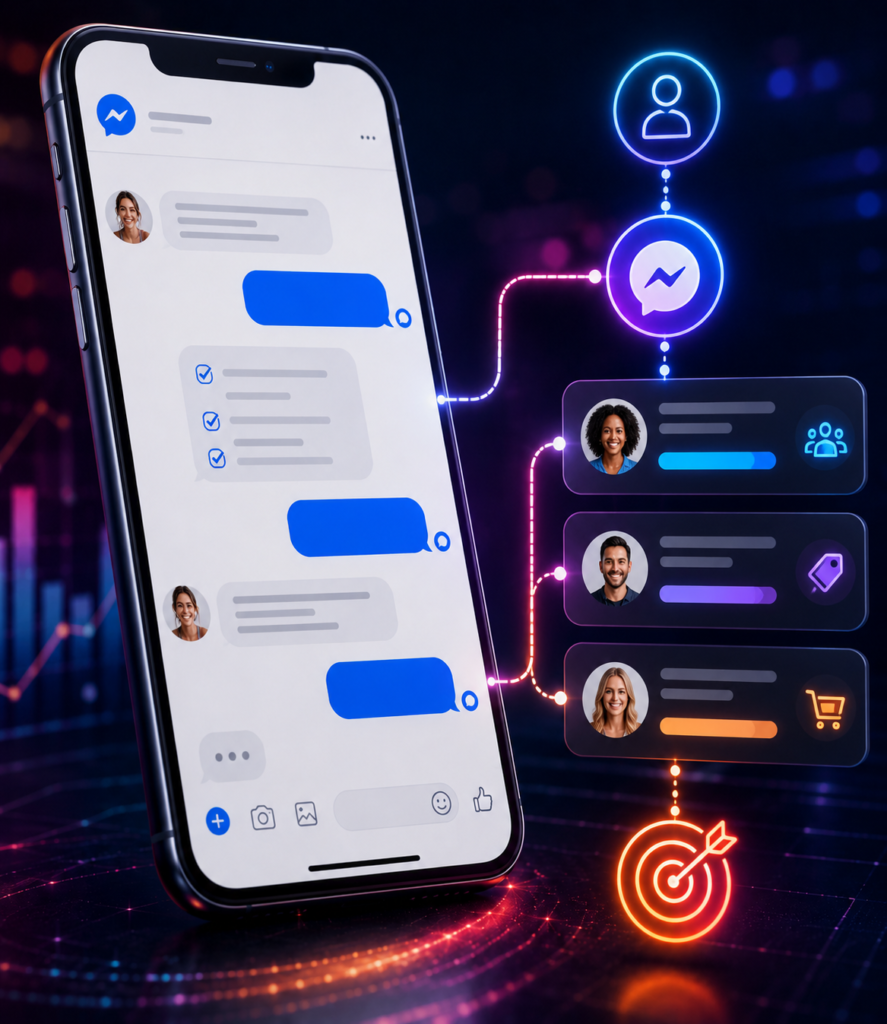
Facebook Messenger is still one of the easiest ways for customers to reach a business, especially from Facebook ads, your Page and posts. With ManyChat you can turn those messages into organised, automated conversations that capture leads even when nobody is online.
Here are seven Messenger automation flows that work for most small businesses, with tips on how to set each one up.
1. Welcome and menu flow
When someone messages your Page for the first time, greet them and show three to four buttons, for example Prices, Book a Call, Our Services and Talk to Us. This alone answers a large share of first messages and tells people exactly what you can help with.
Tip: keep the welcome to one sentence. People came to ask something, not to read.
2. Lead magnet delivery
Offer something useful, such as a checklist, guide or discount code. When someone asks for it, the bot delivers it in Messenger and asks for their email address so you can follow up. This builds your email list and your Messenger contact list at the same time.
3. Comment-to-Messenger flow
Ask people to comment a keyword on a Facebook post. ManyChat replies publicly and sends a private message with the details. This is great for launches, giveaways and price questions, and it encourages engagement on your posts.
4. Click-to-Messenger ad flow
Facebook and Instagram ads can open a Messenger conversation instead of a website. The bot welcomes the person with a message that matches the ad, asks one qualifying question and collects contact details. Because the conversation starts instantly, people do not have to wait for a page to load or fill in a long form.
Tip: make the first message match the ad exactly. If the ad promises a price list, send the price list first.
5. Appointment booking flow
For clinics, salons, consultants and agencies, let people choose a service, then send a booking link or collect their preferred day and time. Notify your team immediately so they can confirm.
6. Quote request flow
Ask a short series of questions about the job, such as type of service, size and timeline. Save the answers and send them to your inbox, CRM or Google Sheet. Your team receives a complete brief instead of “hi, how much?”
7. Human handoff flow
Every bot needs a clear way to reach a person. Add a “Talk to a human” button to your main menu, pause the automation for that contact, and alert your team. Let the customer know when they can expect a reply.
Rules to keep in mind
- Messaging window: Meta limits when businesses can send messages after a person’s last interaction. Plan follow-ups inside that window and use approved methods for anything later.
- No spam: only send relevant messages to people who have interacted with you.
- Test everything: check each flow from a personal account before going live.
Which flow should you start with?
If you get lots of repeated questions, start with the welcome and menu flow. If you run ads, start with the click-to-Messenger flow. If you want to grow your list, start with lead magnet delivery. Build one flow, measure it for a few weeks, then add the next.
Need help setting these up? See my Facebook Messenger automation service or book a free consultation.